
What Is UX Pilot?
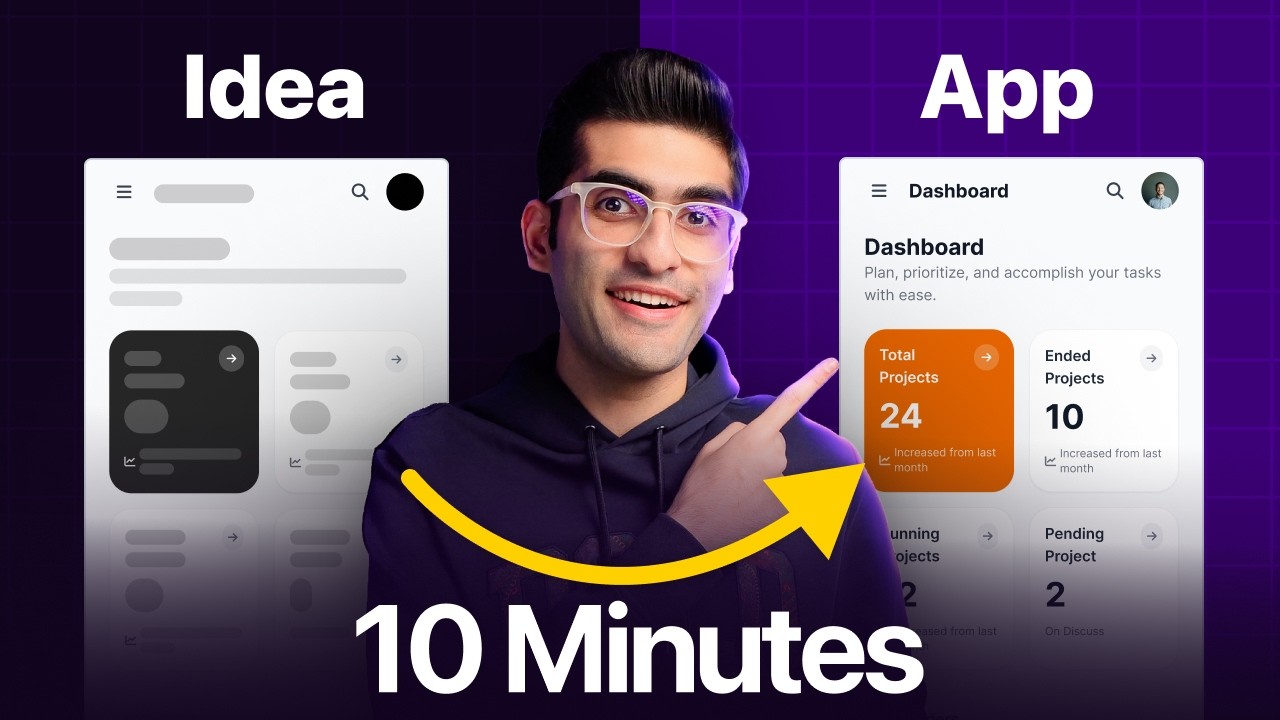
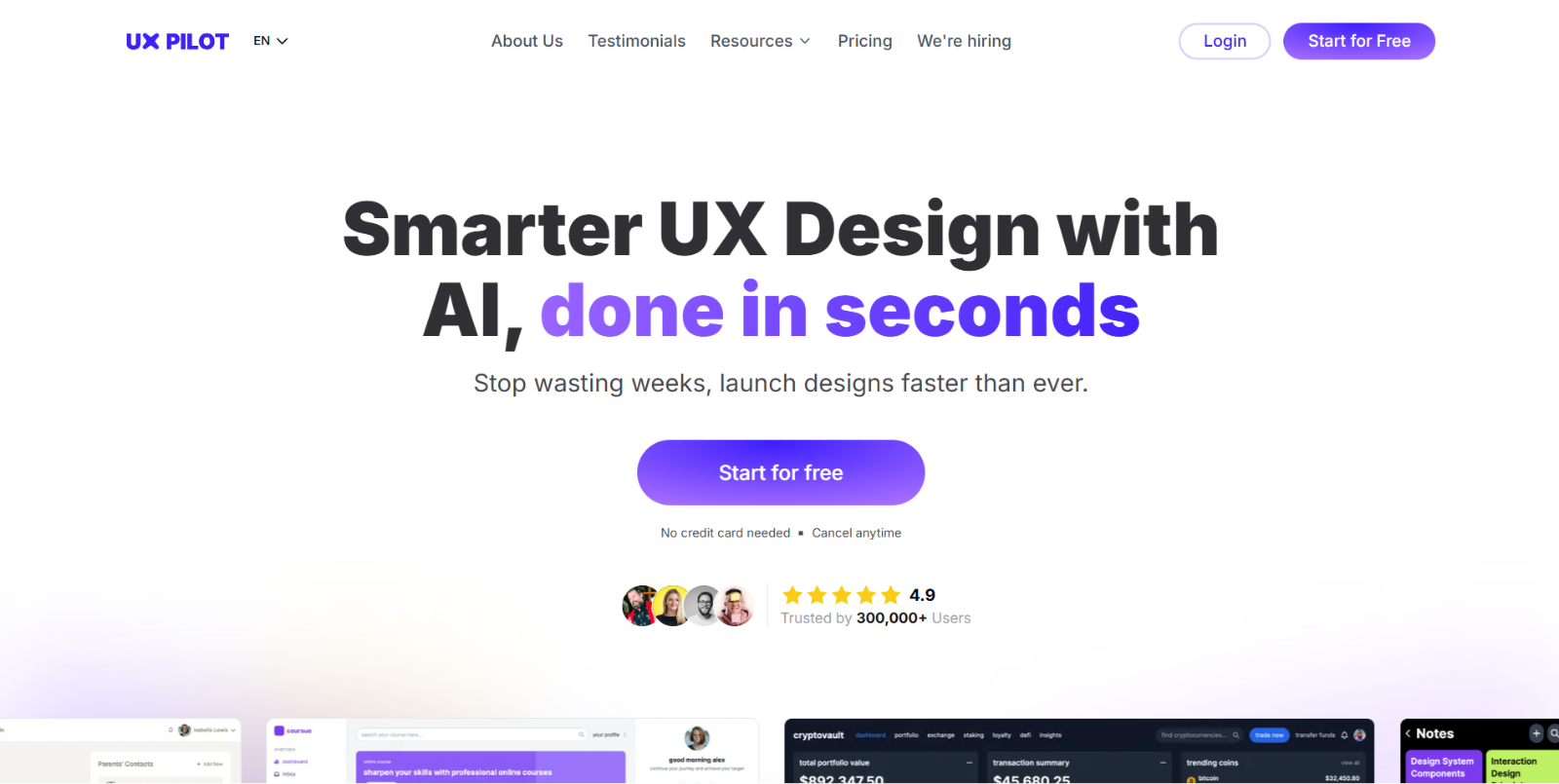
UX Pilot is an advanced AI-powered design platform built to speed up and simplify every stage of the UX/UI workflow. Instead of manually creating wireframes, prototypes, and high-fidelity interfaces, UX Pilot allows teams to generate complete screens, design systems, and multi-page flows in seconds using natural-language prompts.
The platform integrates seamlessly with Figma, supports HTML/CSS export, and includes predictive heatmaps and usability analysis — making it a powerful end-to-end solution for product designers, developers, and startups looking to accelerate design and ship better user experiences faster.
Top Features of UX Pilot
- AI UI & Wireframe Generator: Generate pixel-perfect UI screens and flexible wireframes for desktop or mobile by describing your idea in plain text. UX Pilot converts concepts into structured, editable layouts instantly.
- Screen Flows & Complete User Journeys: Create multi-screen flows with connected pages that visualize the entire user journey. Ideal for prototyping apps, onboarding flows, dashboards, and websites.
- High-Fidelity (HiFi) Design Creation: Produce high-quality, visually polished UI screens in seconds — ready for presentation, handoff, or export.
- Chat-Based Design Editing: Modify or refine your generated screens using conversational prompts. Quickly adjust layout, add components, or restructure UI elements with AI-assisted precision.
- Integrated with Figma: Export AI-generated screens directly to Figma, maintaining organized layers, components, and structure. UX Pilot also includes a Figma plugin for direct creation inside the tool.
- Export Code (HTML/CSS): Turn your UI designs into implementation-ready HTML and CSS. This shortens the gap between design and development and speeds up MVP building.
- Predictive Heatmap & UX Review: Analyze how users are likely to interact with your interface. Heatmaps reveal attention hotspots and potential usability issues before building the product.
- Unlimited Design Variations: Explore different UI styles, structures, and visual directions. Try alternative versions of the same screen to compare and refine ideas effortlessly.
- AI Wireframer for Fast Concepting: Generate low-fidelity UX concepts and transform them into high-fidelity screens later — perfect for early-stage ideation.
- Image-to-Design Feature: Convert an image, website screenshot, or reference into a usable UI layout that can be edited and expanded.
- Prototype Development & Implementation-Ready Code: Move from concept to working designs quickly, generating prototypes and code structure suitable for cross-platform adaptation.
- UX Frameworks Library: Access proven UX methodologies and frameworks to guide product structure, improve user flow logic, and solve complex design problems.
Who Should Use UX Pilot?
- UX/UI designers wanting to accelerate wireframes, prototypes, and screen creation.
- Startups & product teams needing fast conceptualization and high-fidelity UI for MVPs.
- Developers who need ready-made UI layouts and exportable front-end code.
- Agencies & freelancers handling multiple client projects with tight deadlines.
- Founders and non-designers looking to turn ideas into real UI screens without design expertise.
- Teams seeking usability insights early in the design cycle to reduce rework and improve user satisfaction.
UX Pilot Pricing Plans
- Free – $0/month: Includes HiFi UI generation, wireframes, design review, predictive heatmaps, and section editing. Up to 7 screens (45 credits).
- Standard – $19/month: Up to 70 screens (420 credits). Includes HiFi UI, wireframes, design review, predictive heatmaps, export to Figma, export code, and screen flows (max 5 screens).
- Pro – $29/month: Up to 200 screens (1200 credits). Includes everything in Standard plus unlimited screen flows, image-to-design, and support for your Figma components.
- Teams – $39/user/month: Up to 266 screens per user (1600 credits/user). Adds team collaboration, shared credits, custom integration, onboarding, import components, and priority support.
For the latest pricing information, please refer to UX Pilot’s pricing page.
Conclusion
UX Pilot is one of the most complete AI-powered UX/UI design platforms available today, offering unmatched speed, flexibility, and control. From early wireframes to polished high-fidelity interfaces, it streamlines every step of the design workflow. With Figma integration, code export, predictive heatmaps, and AI-driven editing, UX Pilot helps teams design smarter, validate ideas faster, and launch better products in a fraction of the time. Whether you’re a designer, developer, or startup founder, UX Pilot delivers a powerful, modern way to build user experiences at scale.
UX Pilot FAQ
What does UX Pilot do?
It generates UX wireframes, UI layouts, and full user flows using AI, helping teams move from ideas to structured designs within minutes.
Does UX Pilot support Figma export?
Yes. You can export AI-generated designs or layouts directly to Figma with preserved layers for further editing.
Can UX Pilot generate multi-screen flows?
Absolutely. UX Pilot creates entire user journeys—login flows, checkout flows, onboarding sequences—based on your prompt.
Can non-designers use UX Pilot?
Yes. The platform is beginner-friendly. Founders, developers, and marketers can generate UI ideas without design experience.
Does UX Pilot generate production-ready code?
It can export basic HTML/CSS, offering a helpful bridge between design and development for MVPs or prototypes.
Can I edit the generated designs?
Yes. You can refine designs using follow-up prompts or edit them directly after exporting to Figma.
Can UX Pilot be used in enterprise teams?
Yes. Its speed, Figma integration, and flow generation make it suitable for large teams managing multiple products.