
What is Framer?
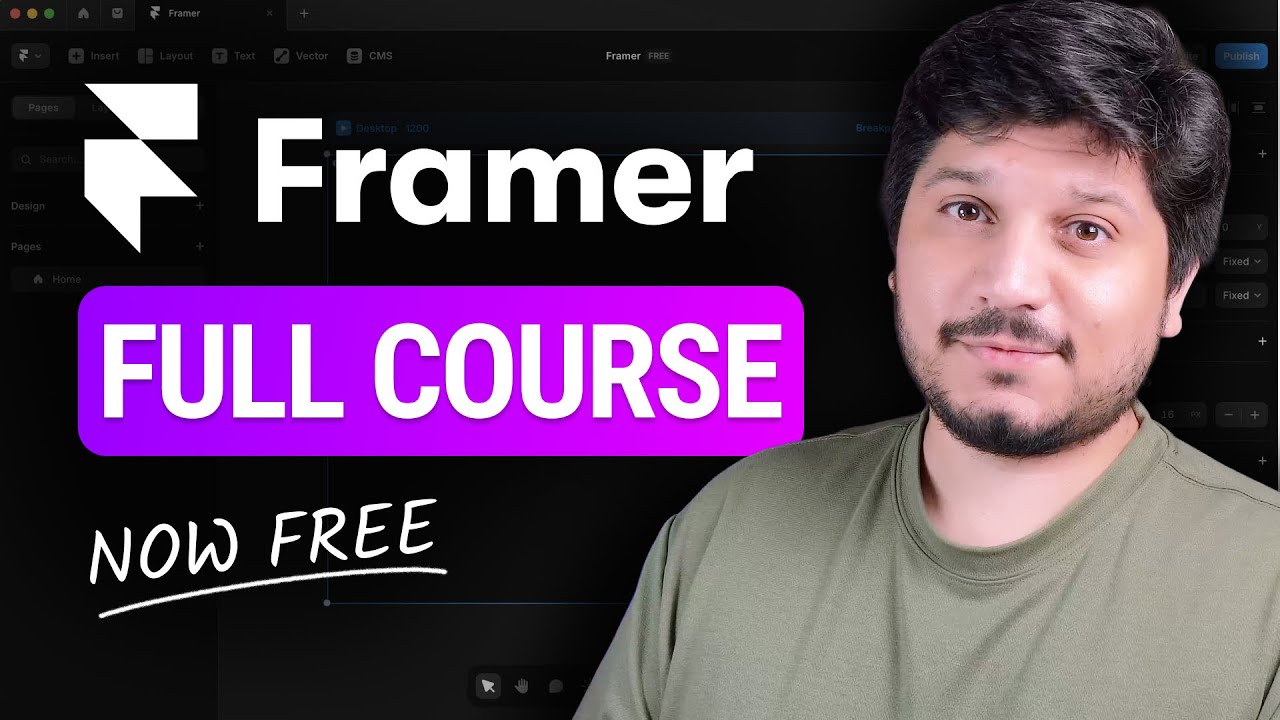
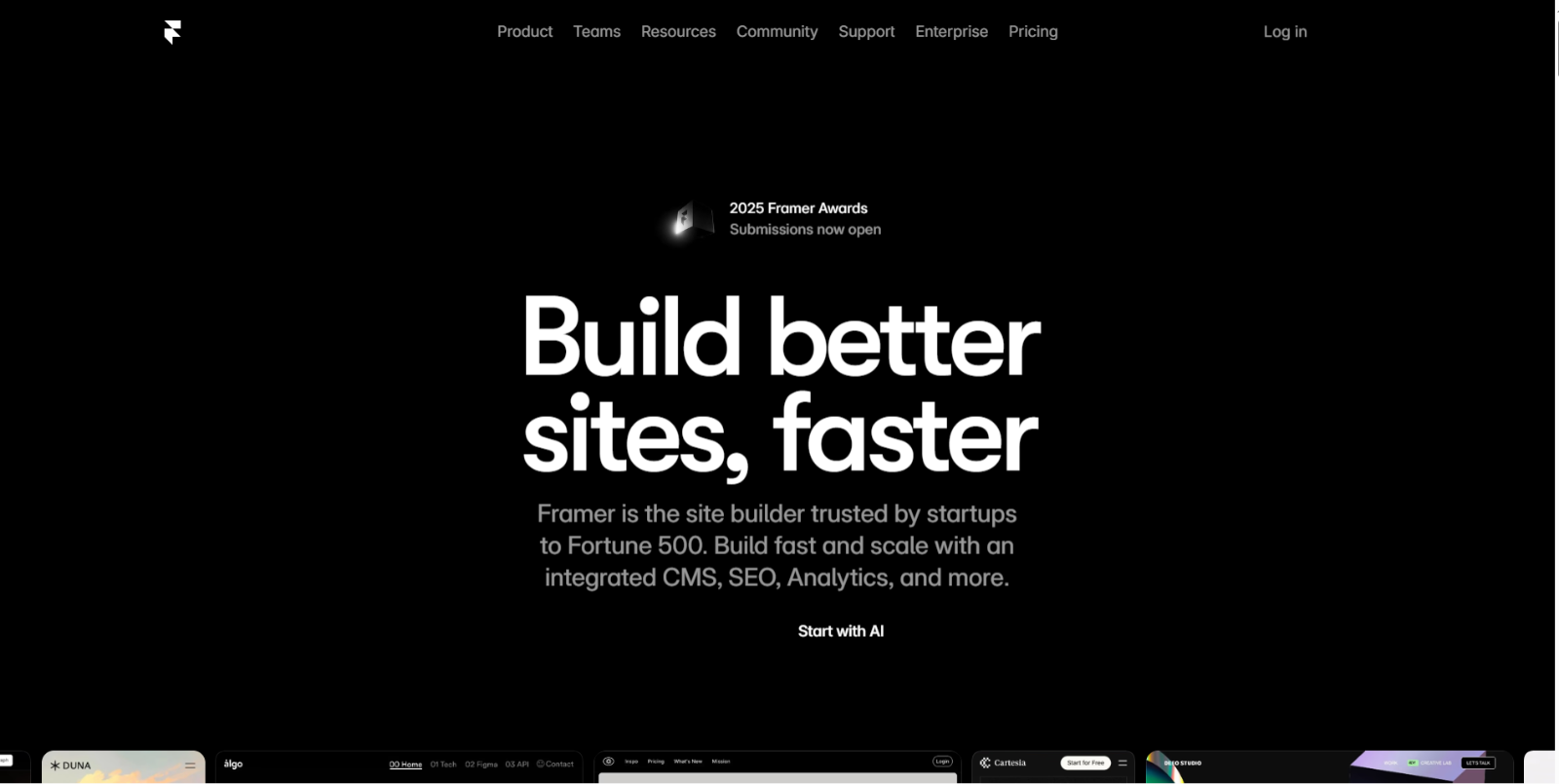
Framer is an AI-powered website builder designed for designers, startups, agencies, and fast-growing teams who want to create professional, visually polished, and fully customizable websites without writing code. It combines powerful design tools with an integrated CMS, built-in SEO, analytics, collaboration features, and scalable hosting — making it suitable for everything from landing pages to production-ready business websites.
With Framer’s AI capabilities, users can generate layouts, components, and full website sections in seconds, accelerating the design workflow while preserving creative freedom and pixel-perfect control.
Top Features of Framer
- AI-Powered Site Generation: Quickly generate layouts, sections, and components using AI prompts — ideal for speeding up ideation and reducing blank-canvas time.
- Professional Design Environment: Packed with modern design tools, grids, layers, and real-time previews that allow designers to build visually refined, custom websites.
- Integrated CMS: Manage dynamic content such as blogs, collections, product pages, and portfolios with relational CMS support and content linking.
- Built-in SEO Tools: Optimize pages with metadata, Open Graph settings, structured content, and fast hosting performance to support organic visibility.
- Analytics & Insights: Track visitors, performance metrics, and conversions directly inside the platform without external integrations.
- A/B Testing & Growth Tools (Scale plan): Run experiments, funnels, and optimization workflows to improve conversion rates and user experience.
- Collaboration & Team Roles: Invite editors, assign permissions, and manage content or design workflows across teams and projects.
- Plugins, Templates & Components Marketplace: Access community-built resources to accelerate builds and enhance functionality.
- Fast & Secure Hosting: Production-grade hosting with staging options, instant rollback, and global delivery performance.
How Framer Works
Framer simplifies the website creation process into a smooth visual workflow:
- Start with a blank canvas or AI prompt → Describe your site vision and let AI assist with initial layout and content.
- Design visually → Place elements, adjust spacing and typography, and customize interactions through drag-and-drop editing.
- Add dynamic content → Use the CMS to create collections and bind them to site sections.
- Collaborate → Invite team members to edit and refine in real time.
- Publish → Launch your site with built-in hosting, optimized SEO, and global CDN delivery.
This workflow makes Framer accessible to both beginners and professionals, giving the flexibility to refine design after initial AI layout creation.
Framer Pricing Plan
Framer offers tiered plans to fit different needs — from personal projects to professional business sites.
- Free — $0/month: Includes 10 CMS collections, 1,000 pages, 5 MB file uploads, and one test locale. Great for exploring Framer, creating templates, or using it as a design tool. Supports collaboration with up to three editors. Custom domains require a paid plan.
- Basic — $15/month: Designed for creative personal sites. Includes custom domain support, AI-powered design tools, fast and secure hosting, and built-in SEO.
- Pro — $45/month: Ideal for growing professional sites. Adds staging and instant rollback, roles and permissions, relational CMS, site redirects, and optional multiple locales.
- Scale — $100/month + usage: Built for advanced, high-traffic sites. Includes custom locale regions, events and funnels, priority support, premium CDN, flexible limits, and optional A/B testing and proxy setup.
- Enterprise — Custom Pricing: Tailored for organizations that require custom limits, enterprise-grade security, and dedicated support.
Framer generally follows a site-based pricing structure, and add-ons or extra limits (like bandwidth or CMS capacity) may apply at higher tiers. For the latest pricing, visit Framer’s pricing page.
Who Should Use Framer?
Framer suits a broad range of creators and teams:
- Startup Landing Pages & SaaS Marketing Sites: Quickly design and launch high-converting product pages, pricing sections, and feature pages using AI-generated layouts, CMS content, and integrated analytics.
- Portfolio & Personal Branding Websites: Create visually polished portfolios for designers, photographers, and creatives with full layout control, responsive design, and fast hosting.
- Agency & Client Websites: Build custom, production-ready websites for clients using collaborative editing, roles and permissions, staging environments, and instant rollback features.
- Content-Driven & Blog Websites: Use Framer’s relational CMS to manage collections, dynamic pages, and multilingual content without plugins or external tools.
- A/B Testing & Conversion Optimization: Run growth experiments, marketing funnels, and user journey tests (Scale plan) to optimize engagement and conversions.
- Product Launch & Event Microsites: Spin up campaign pages, promo sites, and launch hubs quickly using templates, components, and AI-assisted design.
- UX & Visual Prototyping for Web Concepts: Designers can prototype and ship real websites in one tool — eliminating handoffs and speeding delivery workflows.
Framer is especially strong where design creativity and site interactivity matter more than rigid templates.
Conclusion
Framer stands out as a modern, AI-enhanced no-code website builder that combines high design freedom with powerful publishing tools. It merges visual layout editing, dynamic content management, real-time collaboration, and SEO/hosting features into a single platform — making it ideal for designers, freelancers, creatives, and business builders alike.
Framer
Whether you want to launch a polished landing page, a dynamic portfolio, or a business website, Framer lets you design, customize, and publish with expert control — without needing to write a line of code.
Framer FAQs
Is Framer really no-code?
Yes. Framer allows users to design, edit, and publish websites without writing code. However, developers can still add custom code when needed.
Does Framer support CMS-based content?
Yes. Framer includes a relational CMS for managing blog posts, collections, product pages, and dynamic content.
Can I use Framer to build client websites?
Absolutely. Framer supports team collaboration, roles and permissions, staging environments, and instant rollback — making it suitable for professional client projects.
Is there a free plan available?
Yes. The Free plan allows you to explore the platform with basic limits. You’ll need a paid plan to connect a custom domain.
Does Framer include hosting and SEO tools?
Yes. All plans include secure hosting, fast performance, built-in SEO tools, and analytics.
Who is Framer best suited for?
Framer is ideal for startups, designers, agencies, and teams who want visually polished, customizable websites without coding.