
AI talking avatar tools have become one of the most popular solutions for creating professional videos without cameras, actors, or recording equipment. Whether you’re producing marketing content, training videos, explainer clips, or social media posts, these tools allow you to generate realistic speaking characters that deliver your message in a natural, human-like way. Thanks to advances in AI voice, lip-sync, and animation technology, creators and businesses can now produce high-quality spokesperson videos faster, cheaper, and in multiple languages — all from a simple text prompt.
In this guide, we’ve selected the 7 best AI talking avatar tools in 2026 to help you choose the right platform for your content needs, budget, and workflow.
What Are AI Talking Avatar Tools?
AI talking avatar tools are software platforms that use artificial intelligence to generate digital characters that can speak, move, and deliver scripted messages. Instead of recording a real presenter on camera, these tools create a virtual spokesperson that looks and sounds natural, using AI-powered lip-sync, facial animation, and voice generation.
They are commonly used for marketing videos, product demos, online courses, tutorials, sales presentations, customer onboarding, and social media content — making it easier to create professional videos in minutes, without studios, actors, or editing skills.
7 Best AI Talking Avatar Tools (Full List – 2026)
Here is our curated list of the 7 best AI talking avatar tools for 2026. These platforms make it easy to create realistic spokesperson videos using AI-powered avatars, natural-sounding voices, and accurate lip-sync animation — without cameras, studios, or professional editing skills.
1. HeyGen
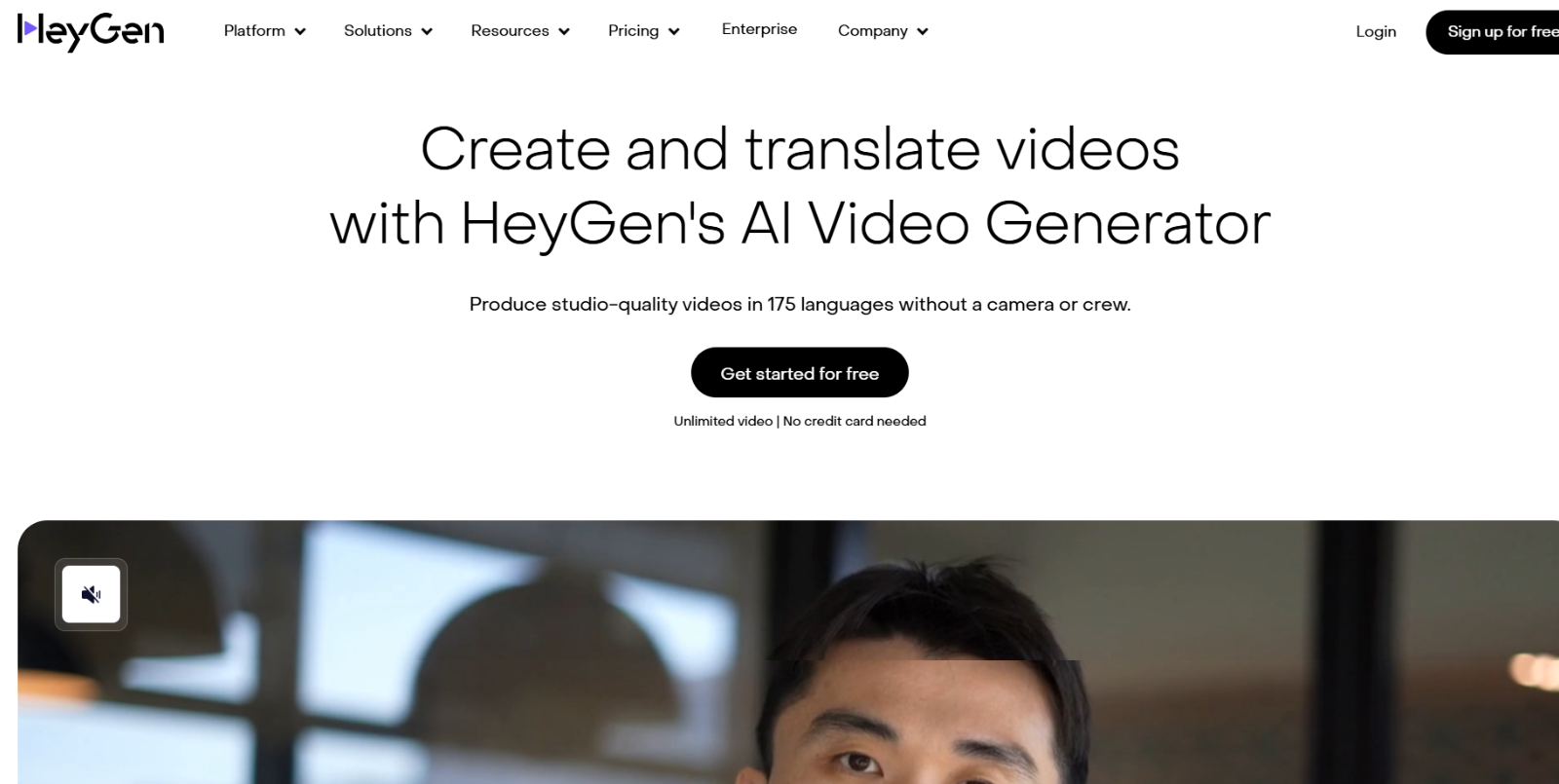
HeyGen is a powerful AI talking avatar and video generator that allows you to create realistic, human-like avatar videos from text, photos, or custom prompts — no camera or production skills needed. It supports a large library of avatars and multilingual speech, making it ideal for content creators, businesses, and educators.
Key Features:
- Realistic AI Avatar Generator — Create realistic digital avatars from photos or choose from 1,000+ stock avatars.
- Multilingual Support — Avatars can speak in over 175 languages and dialects with natural lip-sync.
- Text-to-Video Conversion — Convert written scripts into professional talking videos quickly.
- Customization & Branding — Adjust expressions, gestures, backgrounds, voices, and visual style.
Best For:
Creators, marketers, corporate teams, and educators who need to produce engaging video content without traditional video production. Ideal for explainer videos, training modules, social media content, and presentations.
Why Choose This Tool?
HeyGen stands out with its extensive avatar library, high-quality multilingual voice capabilities, and simple online workflow — perfect for scalable professional video creation in 2026.
2. Vidnoz
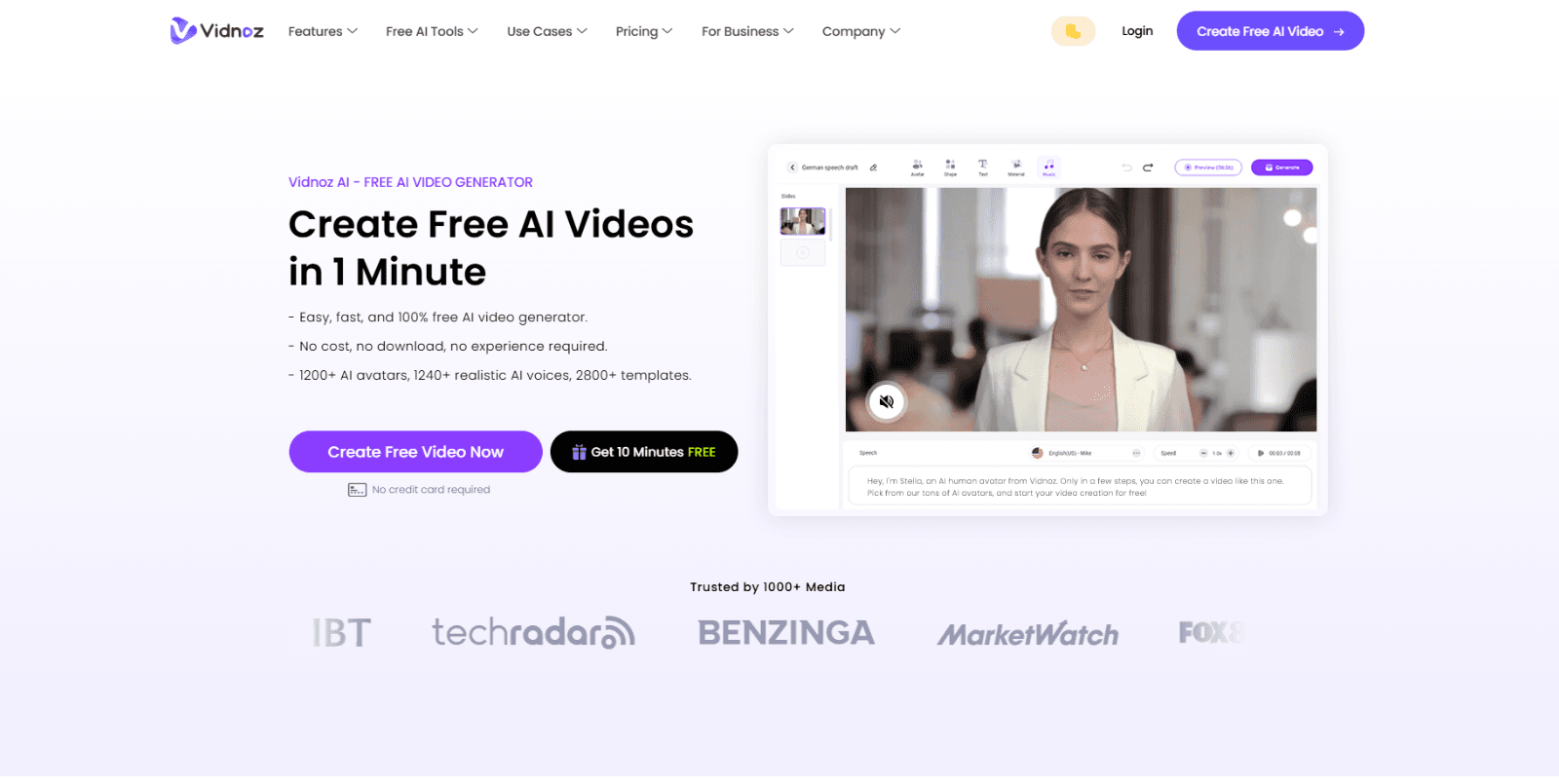
Vidnoz AI is a comprehensive AI video creation platform that lets users generate talking avatar videos, animated avatars, and full AI-powered content quickly and easily from text, photos, or templates — all without cameras or recording equipment.
Key Features:
- Free AI Avatar Generator — Create unlimited talking head videos by uploading a photo and entering text, with lip-sync and voice generation included.
- Large Avatar & Template Library — Access thousands of AI avatars in different styles (realistic, cartoon, anime) and 2800+ pre-designed video templates to speed up creation.
- Multilingual AI Voices — Realistic text-to-speech in 140+ languages with hundreds of voices, plus voice cloning and dubbing options.
- Custom AI Avatars — Generate avatars from your own photos with animation, gestures, and expressions for branded and personalized videos.
Best For:
Content creators, educators, marketers, and social media managers who want an easy, affordable way to produce engaging AI video content without professional video production skills.
Why Choose This Tool?
Vidnoz stands out with its generous free features, huge avatar and template libraries, and support for diverse languages — making it ideal for beginners and creators who want to experiment with talking avatars without high upfront costs.
3. Synthesia
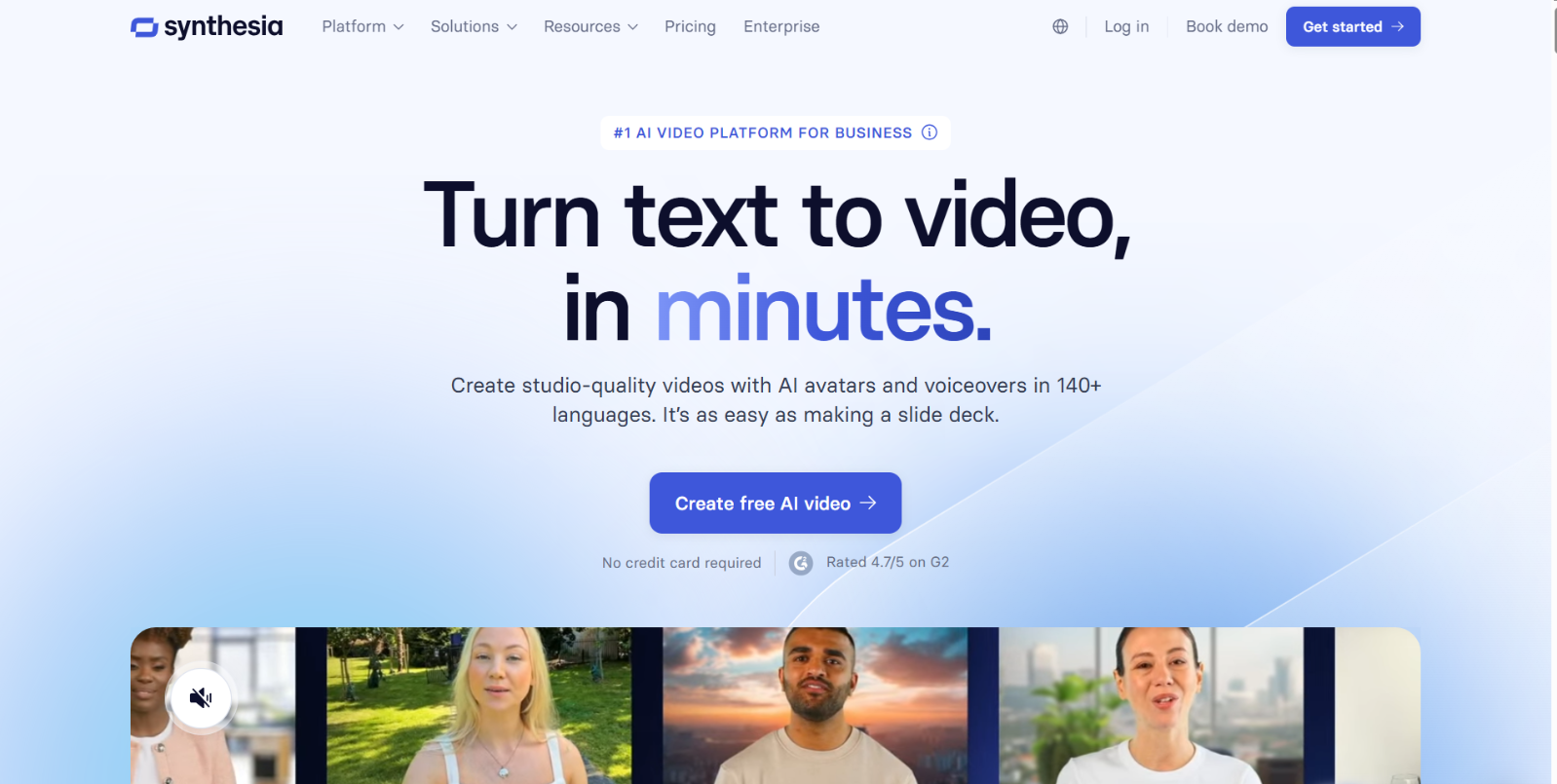
Synthesia is a leading AI video creation platform that enables users to turn text into professional talking avatar videos with realistic AI presenters — no cameras, microphones, or editing skills required. It’s widely used for training, marketing, corporate communication, and multilingual content creation.
Key Features:
- 240+ Realistic AI Avatars — Choose from hundreds of diverse avatar presenters for your videos.
- Multilingual Support (140+ Languages) — Create videos in many languages and accents with natural lip-sync.
- Custom and Personal Avatars — Generate a digital version of yourself by uploading photos/selfies and using it in videos.
- Easy Text-to-Video Creation — Simply type or paste your script, then edit and generate studio-quality videos in minutes.
Best For:
Businesses, educators, and marketers who need scalable, professional AI videos for training, product explainers, onboarding, and internal communication across global audiences.
Why Choose This Tool?
Synthesia stands out for its large avatar library, strong multilingual capabilities, and intuitive editor — making high-quality talking avatar videos accessible even to non-technical users.
4. Akool
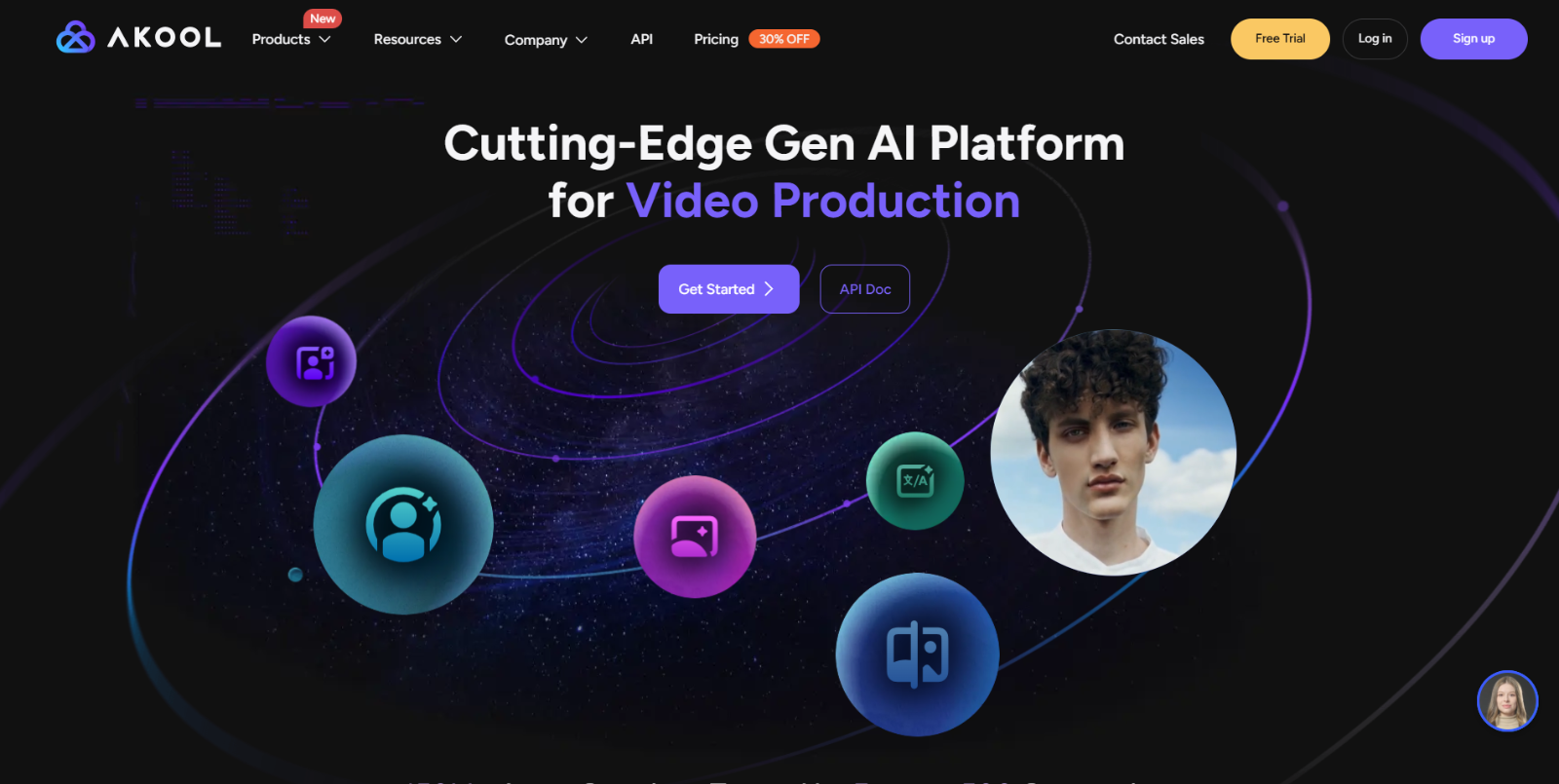
Akool is an all-in-one generative AI video platform that enables users to create realistic talking avatars from text, images, or video clips — complete with natural gestures, lip sync, and customizable voices. It’s designed to help creators, marketers, and educators produce engaging AI-driven videos quickly and at high resolution.
Key Features:
- AI Talking Avatar Generator — Create avatars that speak your text with expressive motions and lifelike visuals.
- Voice Customization & Cloning — Use built-in voice styles or clone your own voice for unique avatar narration.
- Multiple Input Options — Generate avatars using text, static images, or even existing video files.
- High-Resolution Output — Export videos up to 4K with professional quality — ideal for social media, ads, and presentations.
Best For:
Content creators, digital marketers, and small teams who want a flexible all-in-one tool to generate talking avatar videos, translated content, and dynamic social clips without recording equipment.
Why Choose This Tool?
Akool stands out for its versatility and high-quality output, allowing users to make talking avatars from multiple sources (text, images, or videos) with realistic expressions and voice options — all without advanced technical skills.
5. D-ID
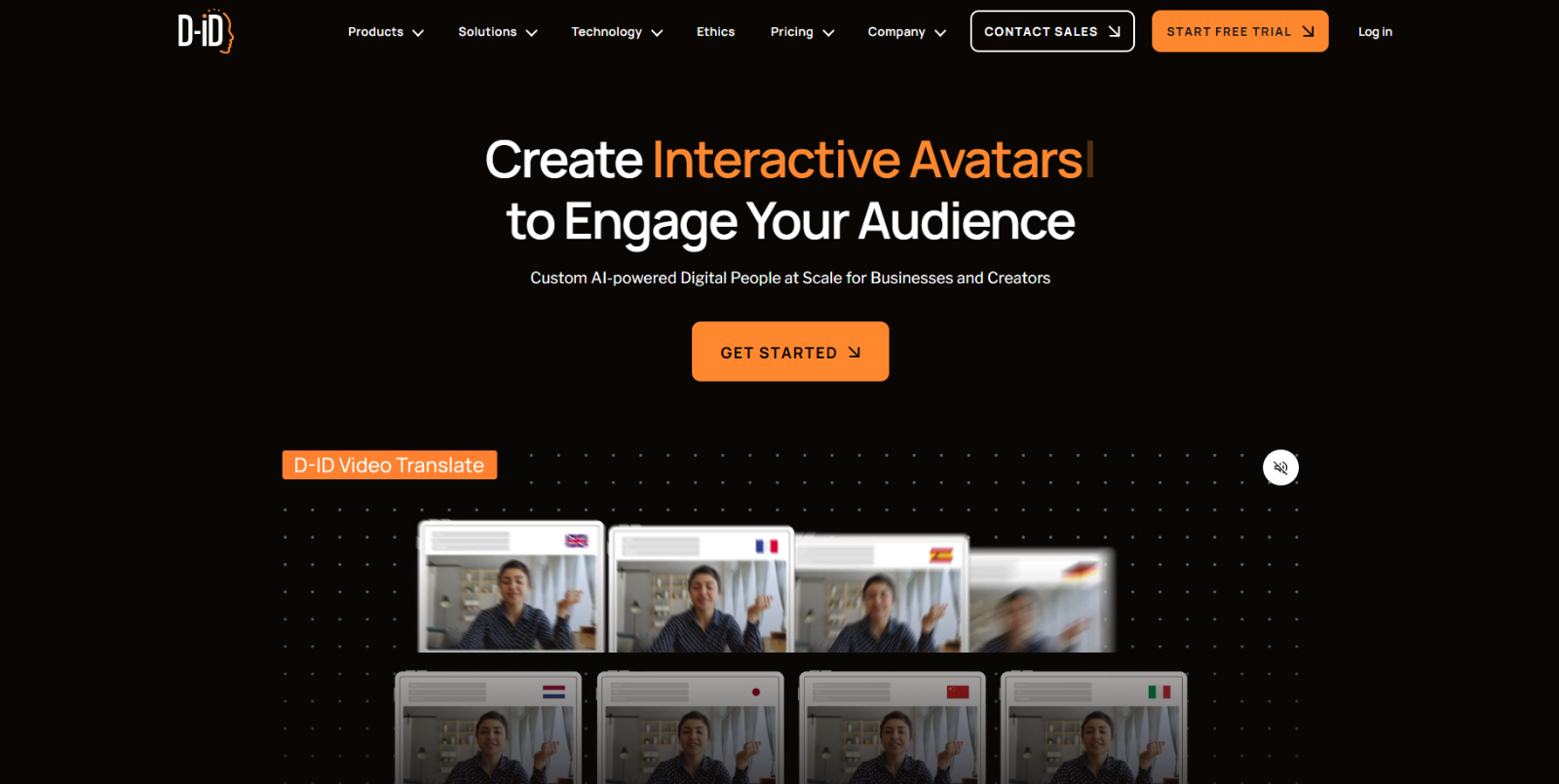
D-ID is a generative AI video platform that turns photos or still images into realistic talking avatars and AI presenters with natural facial animation and speech. It’s widely used by creators, marketers, and businesses to produce engaging talking-head videos without cameras or live actors.
Key Features:
- Creative Reality™ Studio — Create AI videos from a static image by adding scripts or recorded audio, with realistic motion and speech.
- Personalized AI Avatars — Generate a custom avatar from your photo that can act as a digital spokesperson.
- Multilingual Speech & Lip-Sync — Avatars can speak in many languages with accurate lip-sync, ideal for global audiences.
- Mobile + Desktop Support — Create and edit AI avatar videos via mobile app or web studio, making it easy to produce content anywhere.
Best For:
Businesses, social media creators, and e-learning professionals who want a flexible tool for creating engaging AI videos and digital spokespeople from simple images.
Why Choose This Tool?
D-ID stands out with its Creative Reality™ technology, realistic facial animation, and cross-platform support — giving you powerful talking avatars that feel human, without complex workflows.
6. AI STUDIO (by AIStudios.com)
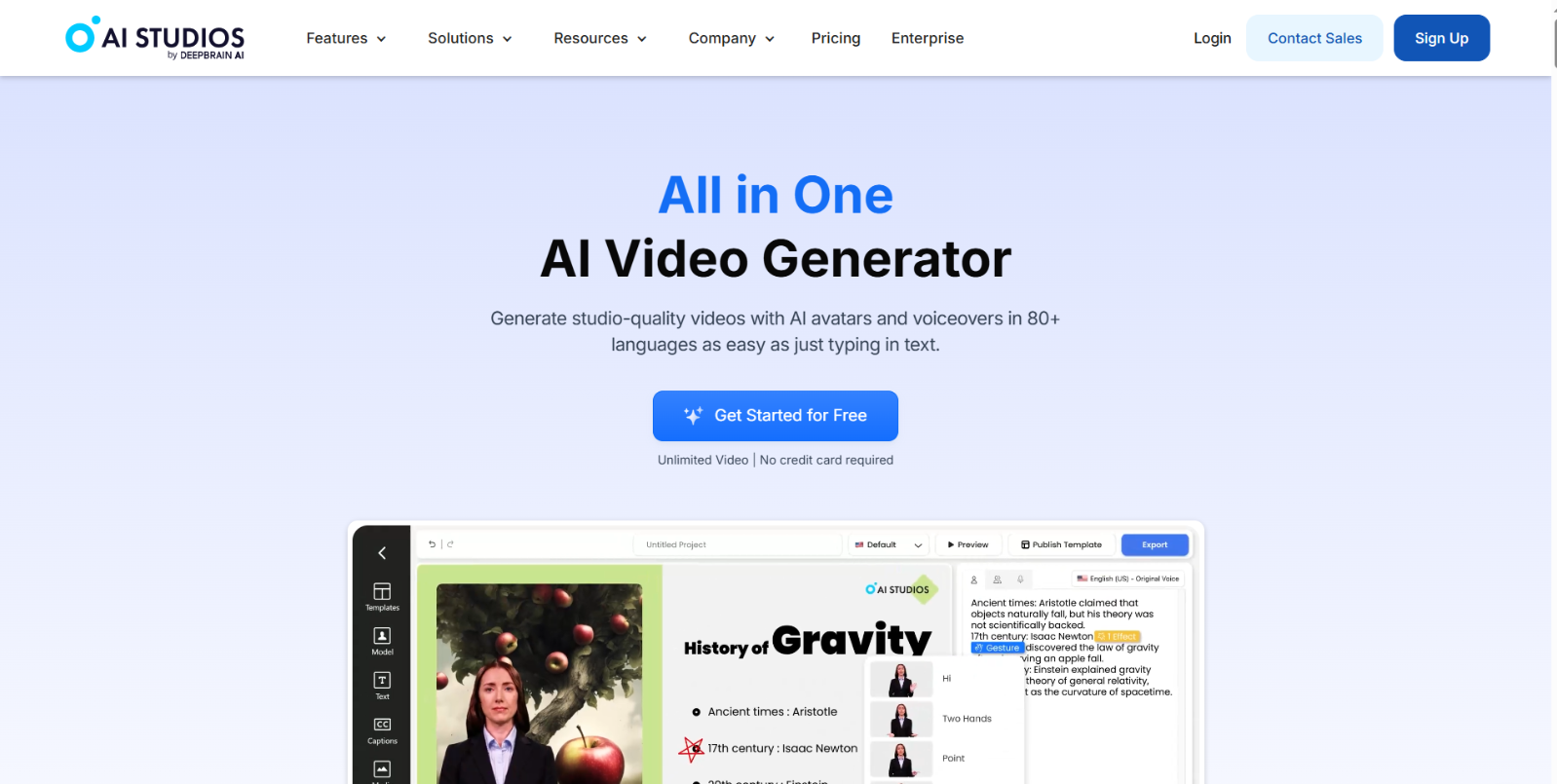
AI STUDIO is an all-in-one AI video creation platform that uses realistic AI avatars, text-to-video generation, and multilingual voice synthesis to produce professional talking avatar videos from simple text scripts — no cameras or actors needed. The platform supports a huge library of avatars and advanced features like dubbing, avatar creation, and multi-avatar scenes.
Key Features:
- AI Talking Avatars with Lip-Sync — Generate lifelike AI avatars that speak naturally and sync with your script in 110+ languages.
- Large Avatar Library (2,000+) — Choose from thousands of realistic digital avatars or create custom ones from photos and short videos.
- Text-to-Video & Dubbing — Turn scripts into full videos with voiceovers, auto-subtitles, and dubbing in 150+ languages.
- Multi-Avatar Scenes & Customization — Create scenes with several avatars talking, add gestures, backgrounds, and full branding options.
Best For:
Content creators, educators, businesses, and marketers who need a flexible platform for scalable AI video production — from training videos and presentations to social content and multilingual communications.
Why Choose This Tool?
AI STUDIO stands out with its huge avatar library, multi-language dubbing, and powerful text-to-video tools that let you go from script to finished video — all in a unified browser-based workspace.
7. KreadoAI
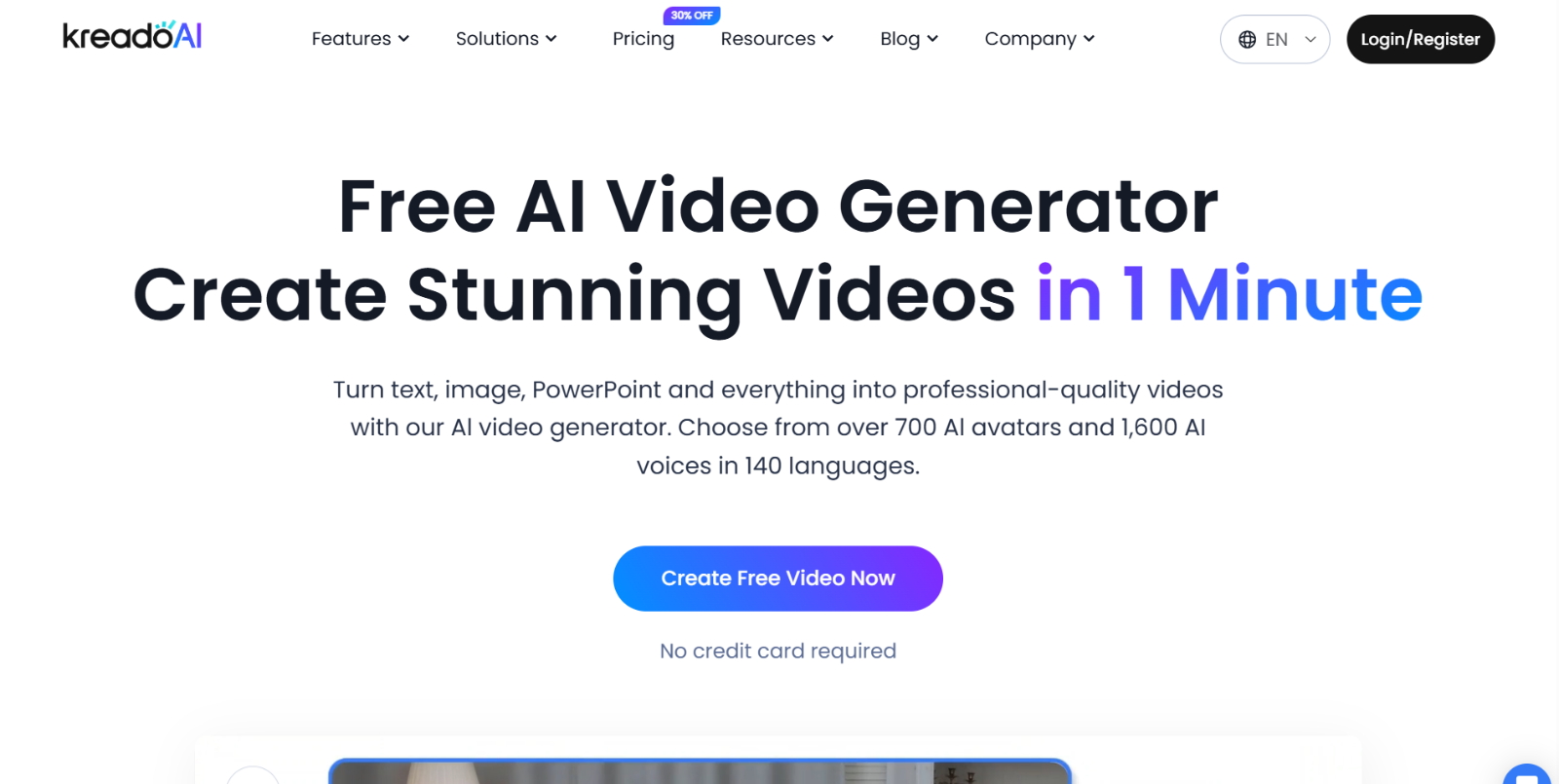
KreadoAI is an AI-powered video creation platform that lets users transform text, images, slides, and other inputs into high-quality talking avatar videos with realistic voices and digital avatars — all without cameras or production equipment. It supports a vast library of avatars and multilingual voices, making it ideal for content creators, educators, and businesses.
Key Features:
- 1000+ AI Digital Avatars — Access a huge library of lifelike avatars representing different ages, ethnicities, and professions for diverse video needs.
- Multilingual Voice Support (140+ Languages) — Create videos in many languages with realistic AI voices (over 1,600 voice options) for global audiences.
- Text-to-Video & Image-to-Video — Turn scripts, images, or slides (like PPT/PDF) into fully narrated talking videos with synchronized speech and motion.
- Custom Avatar & Voice Cloning — Generate personalized digital avatars and clone voices from short recordings for unique branded content.
Best For:
Businesses, educators, and social media creators who want to produce engaging AI video content — from training and presentations to marketing clips and explainer videos — quickly and efficiently.
Why Choose This Tool?
KreadoAI stands out for its extensive avatar and multilingual voice libraries, flexible input formats, and powerful AI workflow that takes you from script to finished video with ease — all within a single platform.
How to Choose the Right Talking Avatar Tool
videos you want to create. Not all platforms are designed for the same needs — some focus on marketing and social media content, while others are built for e-learning, training, or corporate communication. Here are the key factors to evaluate before making your decision:
- Purpose and Use Case: Decide whether you need the tool for marketing videos, training courses, presentations, product explainers, or social media content. Choose a platform that aligns with your main workflow.
- Avatar Quality and Realism: Look at the facial animation, lip-sync accuracy, gestures, and expression quality. Some tools produce more realistic avatars, while others offer more creative or animated styles.
- Language and Voice Support: If you create content for international audiences, check how many languages, accents, and voice options are available — and whether the tool supports dubbing or translation.
- Ease of Use and Workflow: Make sure the editor is intuitive and beginner-friendly. A good tool should let you go from script to final video quickly, without complex editing steps.
- Customization and Branding: Consider whether you can upload your own avatars, clone voices, add logos, customize backgrounds, or create branded templates for consistent content production.
- Pricing and Scalability: Compare subscription plans, export limits, and video resolution options. If you plan to produce content regularly, choose a platform that scales with your needs.
By evaluating these factors, you can choose the AI talking avatar tool that best fits your content strategy, production style, and long-term goals.
Comparison Table: Best AI Talking Avatar Tools (2026)
| Tool | Avatar Realism | Languages | Custom Avatar | Voice Cloning | Best For | Ease of Use |
|---|---|---|---|---|---|---|
| HeyGen | High | Yes | Yes | Yes | Marketing, training, multilingual videos | Very easy |
| Vidnoz | Medium–High | Yes | Yes | Yes | Quick social videos, beginners, templates | Very easy |
| Synthesia | High | Yes | Yes | Limited/Varies by plan | Corporate training, onboarding, internal comms | Easy |
| Akool | High | Yes | Yes | Yes | Flexible creative videos, ads, content teams | Medium |
| D-ID | High (photo-based) | Yes | Yes | Limited/Varies | Talking head videos from images, short content | Easy |
| AI STUDIO (AIStudios) | High | Yes | Yes | Varies | Scalable video production, multi-avatar scenes | Easy |
| KreadoAI | Medium–High | Yes | Yes | Yes | Multilingual content, presentations, ecommerce videos | Easy |
Conclusion
AI talking avatar tools have made it easier than ever to create professional, realistic spokesperson videos without cameras, studios, or complex editing skills. Whether you’re producing marketing content, training materials, product explainers, or social media videos, these platforms offer a fast and scalable way to turn simple text scripts into engaging visual content.
The tools in this list — from HeyGen and Synthesia to Vidnoz, D-ID, Akool, AI Studio, and KreadoAI — each bring different strengths in terms of realism, language support, customization, and workflow flexibility. The right choice depends on your goals, budget, and the type of videos you want to create.
If you’re just getting started, try experimenting with a couple of tools from the list to see which interface and output style works best for you. As AI avatar technology continues to evolve in 2026, these platforms will only become more powerful, more realistic, and more accessible for creators and businesses alike.
FAQ — AI Talking Avatar Tools
What are AI talking avatar tools used for?
AI talking avatar tools are used to create spokesperson-style videos for marketing, training, explainer content, corporate communication, presentations, and social media — without cameras, actors, or recording equipment.
Can I create a custom avatar of myself?
Yes. Many platforms such as HeyGen, Synthesia, and KreadoAI allow you to create a personal or custom avatar using photos or short video samples, depending on the pricing plan and permissions.
Do AI talking avatars support multiple languages?
Most tools support dozens — and sometimes more than 100 — languages and accents, making them ideal for international content, localization, and multilingual training videos.
Do I need video editing skills to use these tools?
No. These platforms are designed for beginners and non-technical users. You simply write or paste your script, select an avatar and voice, then generate the video in minutes.
Are AI talking avatar tools free?
Some tools offer limited free plans or trial credits, but most advanced features — such as custom avatars, HD exports, and commercial use — are available in paid plans.
Which tool is best for business or corporate training?
Tools like Synthesia, HeyGen, and AI Studio are commonly preferred for professional training videos, onboarding, and internal communication due to their realism and workflow features.
Which tool is better for social media and short videos?
Vidnoz and D-ID are popular choices for creators and marketers who produce short-form content, reels, ads, and quick talking-head clips.