What is Banani?
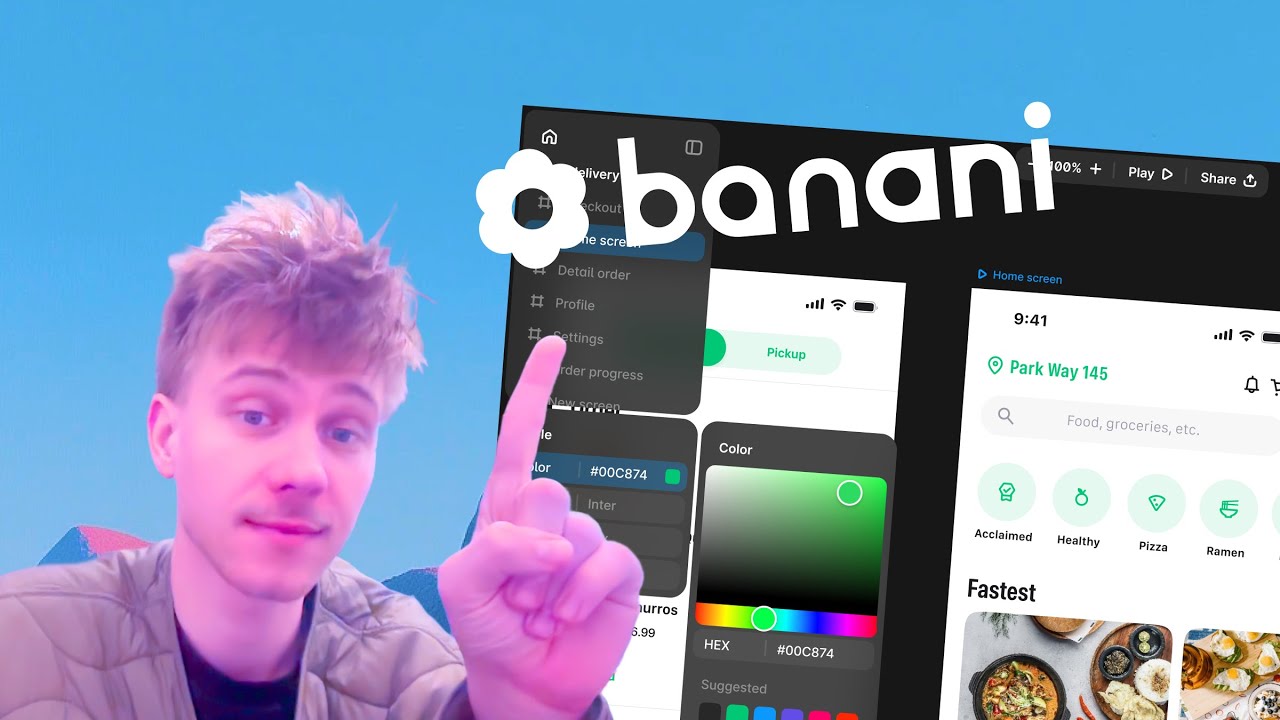
Banani is an AI-powered UI design platform that transforms text prompts, screenshots, or rough ideas into fully editable wireframes and high-fidelity prototypes. It helps designers, developers, and founders create user interfaces without needing advanced design skills. Whether you’re building SaaS dashboards, mobile apps (Android/iOS), landing pages, or quick wireframes, Banani generates ready-to-edit layouts in seconds.
Top Features of Banani
- Generate UI from Text Prompts: Type what you need — like “signup page with email/password fields and a blue CTA” — and Banani instantly creates clean, multi-screen UI layouts. This makes ideation extremely fast and accessible.
- Screenshot to Editable UI: Upload a screenshot, mockup, or hand-drawn wireframe, and Banani transforms it into a fully editable interface. Perfect for speeding up redesigns or converting old UIs into modern layouts.
- AI Editing with Prompts: You can refine your design simply by leaving comments. Banani adjusts colors, typography, layout, and components automatically. No need for manual pixel-level editing.
- High-Fidelity Prototypes: Banani generates interactive, multi-step prototypes suitable for presentations, user testing, and stakeholder review. It helps transform ideas into functional product flows.
- Fast Exporting Options: Export designs to Figma or as code, or share them via a public link. This makes collaboration easier for teams, clients, and developers.
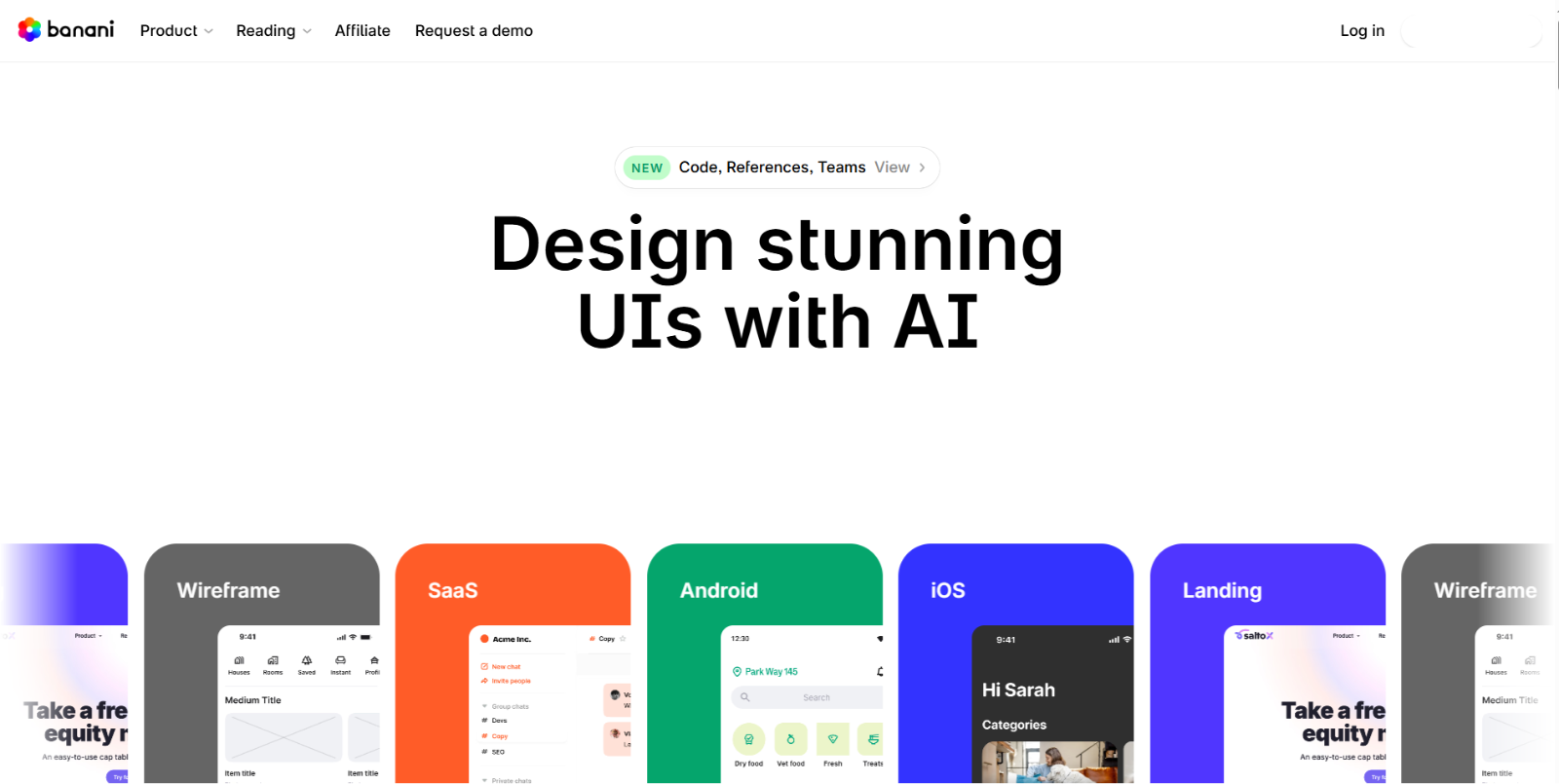
- Support for Multiple UI Types: Build wireframes, SaaS dashboards, Android screens, iOS layouts, landing pages, and more. Banani provides a wide selection of templates and UI patterns.
- Customization via Styles & Themes: Quickly switch between color palettes, font styles, and visual themes using Banani’s built-in styling tools.
Who Should Use Banani?
- Developers: Ideal for developers who want to generate clean, functional UI layouts quickly. Banani helps them skip the design phase and move directly into building, thanks to ready-to-edit screens and easy code export.
- Startup Founders: Perfect for founders creating MVPs, pitch decks, or product demos. Banani turns ideas into visual prototypes in minutes, making it easier to validate concepts and communicate product flows to investors or teams.
- UI/UX Beginners: Great for newcomers who want to learn UI structure and design principles. Banani provides polished wireframes and screens that beginners can customize, study, and gradually improve their design skills with.
- Product Teams: Suitable for teams that need to prototype features or user journeys rapidly. Banani streamlines collaboration by offering shared projects, quick edits, and fast iterations that help teams make decisions faster.
- Freelance Designers: Useful for freelancers who need to deliver concepts quickly to clients. Banani accelerates ideation and allows designers to focus on refinement rather than starting from a blank canvas.
- Students & Learners: A helpful tool for design students who want to generate practice projects, UI studies, or portfolio pieces effortlessly. Banani reduces friction and supports learning through guided, AI-generated layouts.
Banani Pricing Plans
- Free — $0/mo: Includes 20 free generations, limited edits, and private projects.
- Pro — $20/mo: Unlocks unlimited designs, unlimited AI generations, unlimited edits, 2–3× faster generations, Figma export, code export, and the ability to cancel anytime.
- Team — $30/mo per member: Everything in Pro plus team member management, centralized billing, personal support, and shared projects.
Conclusion
Banani stands out as a powerful AI-powered UI design tool that dramatically speeds up the process of turning ideas into polished interfaces. Whether you’re building wireframes, mobile app screens, or full product prototypes, Banani makes design faster, simpler, and far more accessible. Its text-to-UI generation, rapid editing, and seamless export options make it a strong choice for developers, beginners, and teams looking to streamline their workflow. If you need an efficient way to go from concept to clean, editable designs, Banani is absolutely worth trying.
Banani Frequently Asked Questions
What is Banani?
Banani is an AI-powered UI design tool that generates wireframes, app screens, and prototypes from text prompts, screenshots, or simple ideas. It helps users create designs quickly without advanced design skills.
How does Banani work?
Simply describe the screen you want, upload a screenshot, or start from a template. Banani uses AI to generate editable UI layouts that you can customize and export.
Is Banani suitable for beginners?
Yes. Banani is designed to be extremely beginner-friendly. Users with little or no design experience can create clean, professional UI layouts in seconds.
Can I export my designs to Figma?
Yes. Banani supports Figma export, allowing you to refine or extend your designs inside your existing workflow.
What file formats or outputs does Banani support?
You can export designs as Figma files, code snippets, or share them as public links for collaboration or review.
Does Banani offer a free plan?
Yes. Banani provides a free plan with 20 free generations and limited edits, allowing new users to explore its features before upgrading.