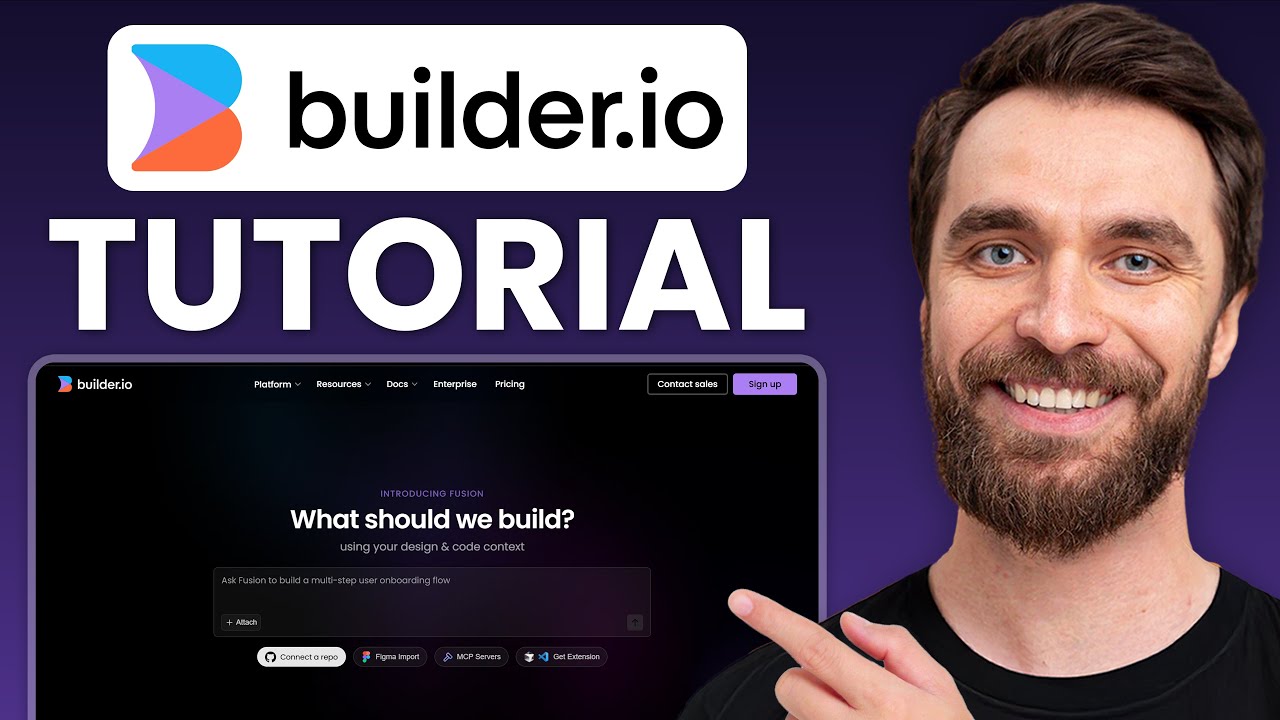


What is Builder.io?
Builder.io is an AI-powered visual development platform that helps teams design, build, and publish web and app experiences using AI agents, visual editing, and headless CMS capabilities. It combines Fusion for AI-driven code generation and Publish for visual content management, allowing both developers and non-developers to collaborate efficiently from idea to production.
Top Features of Builder.io
- AI Product, Design, and Code Agent: Builder.io acts as a unified AI agent that can generate full user interfaces, application logic, and design components from simple prompts, helping teams move from idea to production much faster.
- Fusion (AI Code Generation Platform): Fusion allows users to build full applications from scratch, from Figma designs, or from existing repositories. It supports real-world development workflows such as web app building, prototyping, and design-to-code automation.
- Publish (Visual Headless CMS): Publish enables teams to visually create, optimize, and deliver content and experiences via API to any website or application. It supports headless CMS, landing pages, page building, and content optimization.
- Figma to Code Integration: Users can copy and paste Figma designs directly into Builder.io, where AI transforms them into production-ready code that follows existing components, tokens, and design systems.
- Visual Editing with Full Control: Builder.io offers precise drag-and-drop editing where users can modify any generated experience, adjust styling, map components, and fine-tune layouts without breaking code structure.
- Works Inside Your Development Workflow: The platform integrates directly with GitHub, GitLab, Bitbucket, VS Code, Slack, and Jira. Teams can start builds from tickets, track AI progress, and review changes through standard CI/CD pipelines.
- Enterprise-Grade Security & Privacy: Builder.io is SOC 2 Type II compliant and includes enterprise-level permissions, privacy controls, roles, and workflows. Importantly, customer data is not used for AI model training.
- Scalable for High-Growth Teams: The Enterprise plan includes A/B testing, personalization targeting, analytics, environments, SSO, private plugins, unlimited activity history, and priority SLAs.
Who Should Use Builder.io?
- SaaS startups that want to rapidly design, prototype, and launch web applications using AI.
- Product teams that need to transform Figma designs into production-ready code instantly.
- Marketing teams that want full control over landing pages and content without waiting on developers.
- Enterprises managing multi-brand websites with headless CMS and personalization needs.
- Agencies building high-performance marketing websites, web apps, and composable commerce projects.
- Developers who want to combine AI code generation with real Git repositories and design systems.
Builder.io Pricing Plans
Publish (Visual CMS)
- Free – $0 per user/month: For individuals and small teams shipping smaller projects with up to 10 users, 75 monthly AI agent credits, and 10k visual views.
- Pro – $49 per user/month: For teams launching larger projects with up to 20 users, 500 AI agent credits, 100k visual views, content scheduling, localization, and pay-as-you-go scaling.
- Enterprise – Custom Pricing: For organizations operating at scale with custom user seats, A/B testing, personalization, enterprise security, analytics, SSO, environments, and premium support.
Fusion (Visual IDE & AI Development)
- Free – $0 per user/month: For exploration with up to 10 users, basic AI credits, GitHub/GitLab/Figma integrations, and public previews.
- Pro – $30 per user/month: For active teams building real projects with 500 monthly AI credits per user, built-in MCP servers, protected previews, and standard support.
- Enterprise – Custom Pricing: For full-scale organizations with custom MCP servers, private workspaces, component mapping, privacy mode, SSO, and priority uptime SLAs.
For the latest pricing information, please refer to Builder.io’s pricing page.
Conclusion
Builder.io is one of the most advanced AI-first visual development platforms available today. By combining AI-driven code generation, visual editing, Figma-to-code workflows, and enterprise-grade headless CMS, it bridges the gap between product, design, and engineering teams. Whether you are building SaaS apps, marketing sites, or scalable enterprise platforms, Builder.io provides the speed of no-code with the control of full-stack development.
Builder.io FAQ
Is Builder.io a no-code or low-code platform?
Builder.io is a hybrid AI-powered low-code platform. It allows non-developers to visually build pages and experiences, while developers can connect real code repositories, components, and APIs for full control.
What types of projects can be built with Builder.io?
Builder.io can be used to build a wide range of digital products including SaaS web applications, marketing websites, landing pages, headless commerce stores, MVPs, prototypes, and large-scale multi-brand content platforms, making it suitable for both startups and enterprises.
What is the difference between Fusion and Publish in Builder.io?
Fusion is the AI-powered visual IDE used to generate full applications, convert Figma designs to code, and connect to Git repositories.
Publish is the visual headless CMS used to build, manage, and optimize website pages and on-brand content through APIs.
Can Builder.io convert Figma designs into real code?
Yes, Builder.io supports Figma-to-code conversion. You can paste designs directly from Figma, and the AI generates production-ready code using your design tokens and components.
Does Builder.io work with existing codebases?
Yes, Builder.io can connect to existing GitHub, GitLab, and Bitbucket repositories. It generates code that matches your actual components and coding standards.
Is Builder.io suitable for beginners?
Yes. Beginners can use the visual drag-and-drop editor, while advanced users and developers can work with AI code generation, APIs, and component mapping.
Can marketing teams use Builder.io without developers?
Yes. Marketing teams can independently design, launch, and optimize landing pages using Publish, without needing to rely on developers for every update.