
What is Wispr Flow?
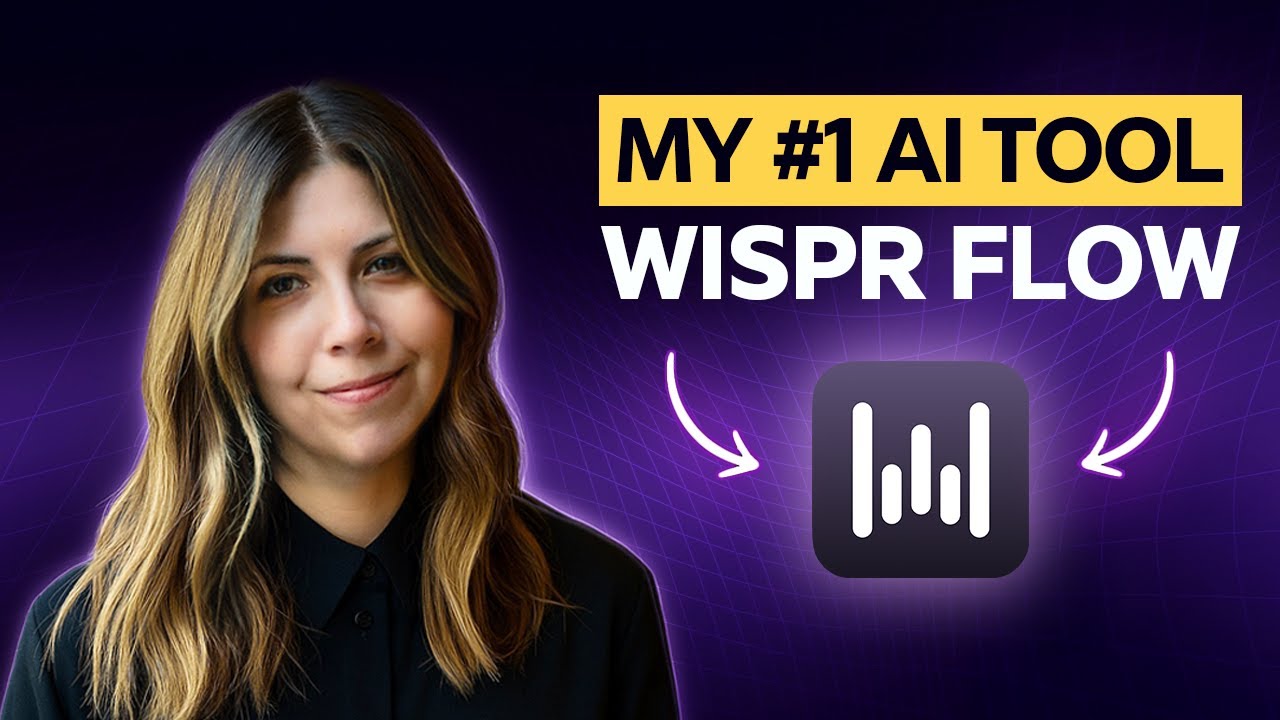
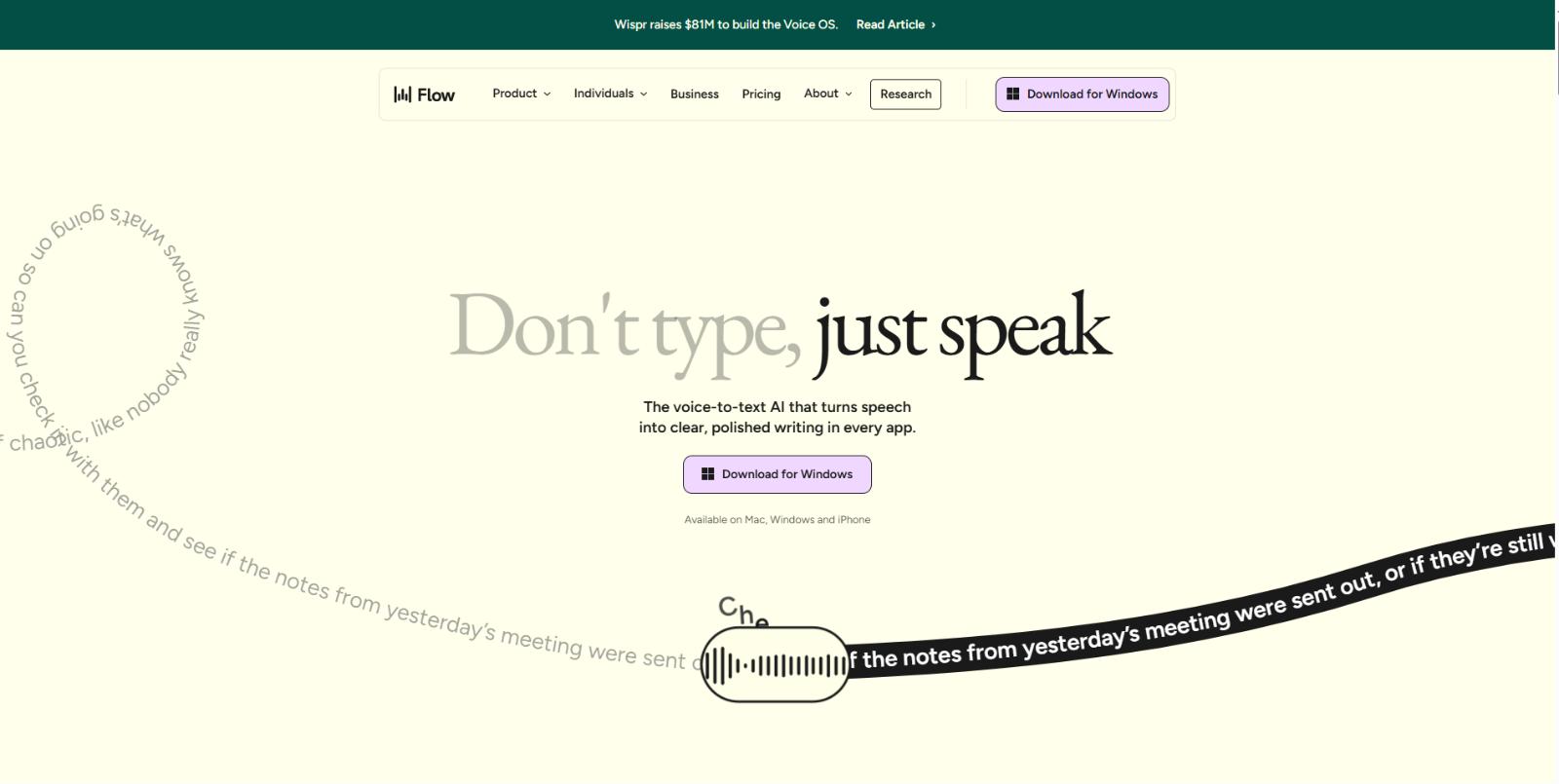
Wispr Flow is an AI-powered voice-to-text productivity tool designed to help users write faster by speaking naturally instead of typing. It works across desktop and mobile devices, turning real-time speech into clean, well-formatted text in any application. With system-wide dictation, tone adaptation, and smart editing, Wispr Flow is built for professionals who want to capture ideas quickly without interrupting their workflow.
Top Features of Wispr Flow
- System-Wide Voice Dictation: Wispr Flow works across all apps on Mac, Windows, and iPhone, allowing users to dictate text directly into emails, documents, chat apps, and browsers.
- 4× Faster Than Typing: The tool enables writing speeds of up to 220 words per minute, significantly outperforming traditional keyboard typing.
- AI Auto Edits: Wispr Flow automatically removes filler words, fixes grammar, and formats speech into polished, readable text in real time.
- Tone Adaptation Per App: The AI adjusts tone and writing style depending on the app being used, helping users sound natural, clear, and professional.
- Personal Dictionary: Wispr Flow learns custom words, names, acronyms, and industry-specific terms and saves them for future dictation accuracy.
- Snippet Library: Users can create reusable voice shortcuts for frequently used text such as meeting links, FAQs, addresses, or standard replies.
- 100+ Language Support: The platform automatically detects and transcribes over 100 languages, allowing seamless switching between languages.
- Privacy Mode (Zero Data Retention): Voice data is not stored, ensuring privacy and compliance for professional and sensitive use cases.
- HIPAA-Ready & Enterprise Security: Designed to meet professional standards, including SOC 2 Type II compliance and secure enterprise deployment options.
Who Should Use Wispr Flow?
- Writers & content creators: Draft articles, scripts, and posts faster by speaking naturally instead of typing.
- Professionals & remote workers: Dictate emails, reports, and internal communication to save time during busy workdays.
- Students & researchers: Take notes, brainstorm ideas, and organize thoughts hands-free across devices.
- Customer support & sales teams: Respond quickly using voice snippets and consistent messaging.
- Users with accessibility needs: Improve writing speed and comfort by replacing keyboard input with voice.
Wispr Flow Pricing Plans
- Flow Basic – Free: Includes up to 2,000 words per week on Mac or Windows, 1,000 words per week on iPhone, custom dictionary, snippet support, 100+ languages, privacy mode, and HIPAA-ready usage.
- Flow Pro – $15 per user/month: Offers unlimited words on Mac, Windows, and iPhone, prioritized support, command mode editing, early access to new features, and team collaboration tools.
- Flow Enterprise – Custom Pricing: Designed for teams requiring advanced security and support, including SOC 2 Type II and ISO 27001 compliance, HIPAA enforcement, SSO/SAML, zero data retention, advanced dashboards, and dedicated support.
For the latest pricing information, please refer to Wispr Flow’s pricing page.
Conclusion
Wispr Flow is a powerful AI voice dictation platform built for speed, accuracy, and real-world productivity. By enabling system-wide speech-to-text, intelligent editing, and privacy-first design, it helps individuals and teams write faster, communicate better, and focus on thinking instead of typing.
Frequently Asked Questions (FAQ)
What is Wispr Flow used for?
Wispr Flow is used for real-time voice dictation, allowing users to write faster by speaking naturally instead of typing across any app.
Does Wispr Flow work in all applications?
Yes, Wispr Flow works system-wide on Mac, Windows, and iPhone, enabling voice-to-text input in emails, documents, chats, and browsers.
Is Wispr Flow different from AI transcription tools?
Yes, Wispr Flow focuses on live voice dictation and writing productivity, while AI transcription tools mainly convert recorded audio files into text.
How fast is Wispr Flow compared to typing?
Wispr Flow enables writing speeds of up to 220 words per minute, which is approximately four times faster than traditional typing.
Does Wispr Flow support multiple languages?
Yes, Wispr Flow supports over 100 languages and can automatically detect and switch between them during dictation.
Is Wispr Flow secure and privacy-friendly?
Yes, Wispr Flow includes a privacy mode with zero data retention and is HIPAA-ready, making it suitable for sensitive and professional use cases.
Can Wispr Flow be used by teams?
Yes, the Pro and Enterprise plans include collaboration features, team support, and advanced security options such as SSO and SOC 2 compliance.
Is there a free version of Wispr Flow?
Yes, Wispr Flow offers a free plan with limited weekly word usage, allowing users to try voice dictation before upgrading.